

Tables and checks
See the tables on your floor plan with live occupancy; enter orders directly to the table from a waiter tablet or phone.
- Visual table plan
- Move and merge tables
- Tracking by waiter
Manage checks, tables and orders from the same place as your hotel software. Charge in-house guests to their room with one tap and close the till automatically at the end of the day.
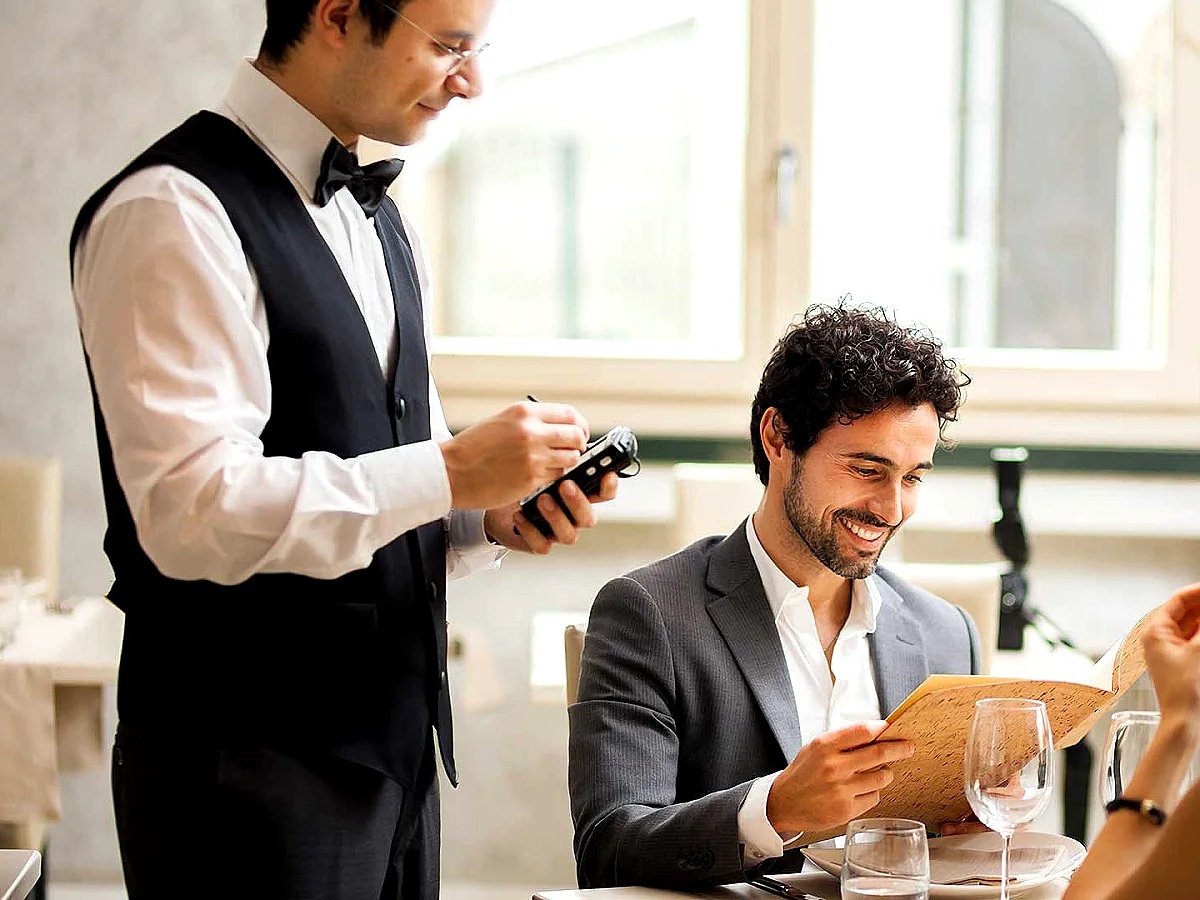
See the tables on your floor plan with live occupancy; enter orders directly to the table from a waiter tablet or phone.
Post in-house guests’ restaurant, bar and room service spending to their room account and settle everything on one invoice at check-out.
Cash, credit card or room account; split the bill between guests and take partial payments. Till and sales reports are ready at the end of the day.
Connect your Beko, Pavo and inPOS next-generation cash registers to the POS and Restaurant module. Payment goes to the register with one tap and the fiscal receipt is printed by the register.
The POS and Restaurant module works together with Butiksoft accounting and stock management; sales reach your books without being entered twice.
Try It FreeYes. You can post the check to the guest’s room account with one tap; all charges appear on one bill at check-out.
Yes. Butiksoft runs in the browser, so your waiters can enter orders from a tablet or phone.
Yes. You can open checks for non-resident guests and take payment in cash or by card.
It works with Beko, Pavo and inPOS next-generation cash registers (ECR). Payment is sent to the register with one tap and the fiscal receipt is printed by the register.
No. POS and Restaurant runs inside the Butiksoft hotel management system; no extra installation is needed.
Fill in the form and we will call you to show Butiksoft live at a time that suits you. No setup or card details needed.
We use essential cookies to keep this site working.